Learn Prisma is live: a real database from TypeScript
Learn Prisma is live. See what you can do after it, who it suits, and how it fits with SQL, TypeScript, React, Node, and the AI SDK courses.


You can write a SQL query, and you can write TypeScript. How do you get the two talking inside a real app?
Learn Prisma is live. It teaches you to work with a real PostgreSQL database from TypeScript using Prisma 8, from your first query to a migration that changes a table without losing data.
By the end of this post you will know what the course leaves you able to do, who it suits, and how it fits with the other TypeScript courses on Start.dev if you want to build full-stack apps, or AI features on top of them.
What you can do after Learn Prisma
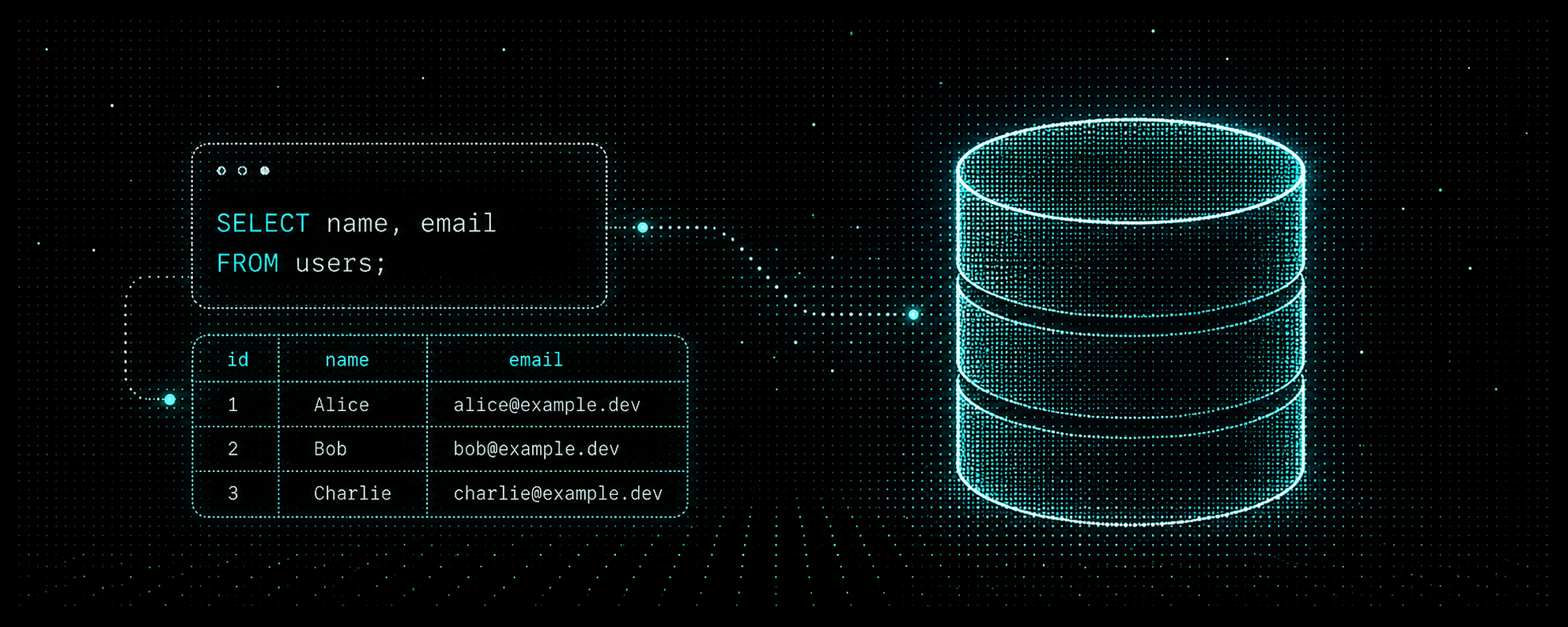
Learn Prisma (opens in a new tab) works with the database behind a team task board. You read rows with Prisma's typed query API, then filter, sort, and page through them with where, orderBy, limit, and offset. You create, update, and delete rows, and keep related writes together in a transaction, so a half-finished change never reaches the database.

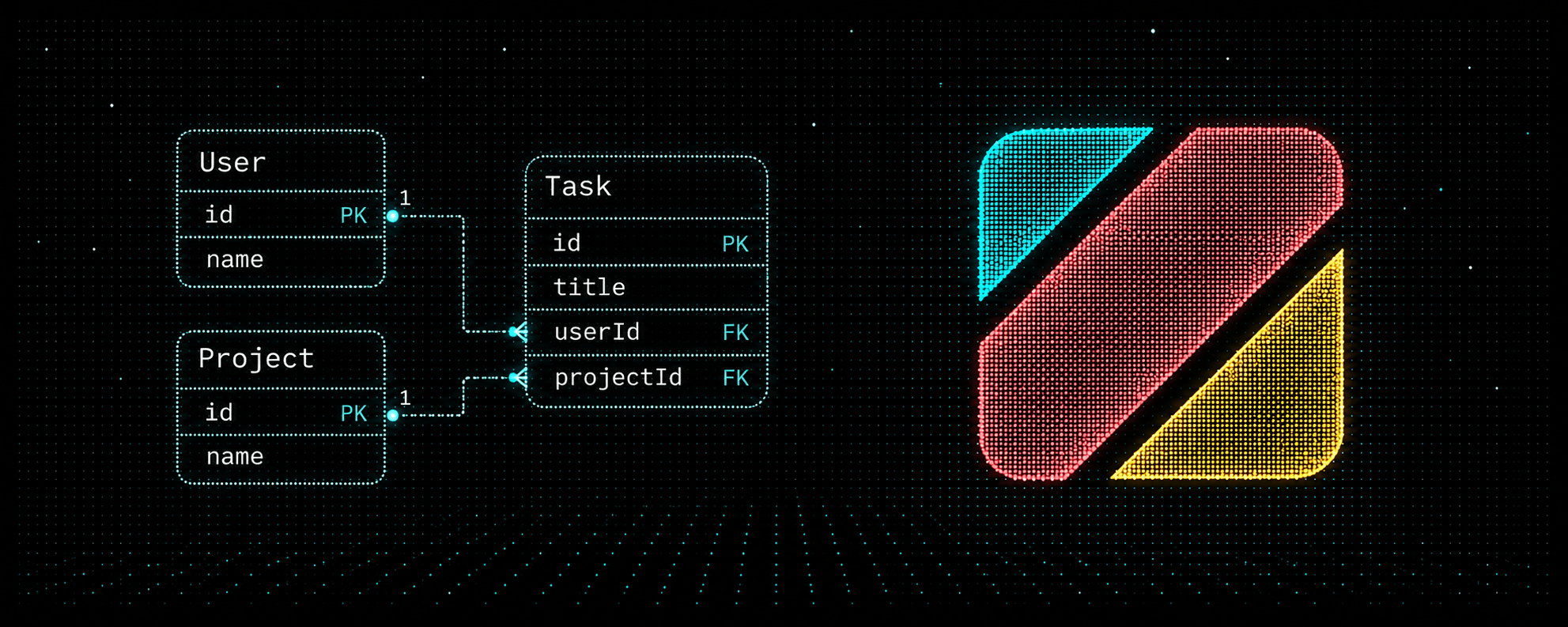
From there you model the database yourself in contract.prisma: column types, defaults, unique fields, and enums. You connect models with one-to-many and many-to-many relations, load related rows with include, and let the database do the math with aggregate and groupBy.
The chapter most tutorials skip is migrations. You plan and apply a change with the real Prisma CLI in the terminal, then handle the cases that hurt in production: a change that would lose data, a rename, and a new required field that existing rows need a value for.
It ends with a capstone that adds sprints to the task board, from the first model to the transaction that closes a sprint. Brad Traversy (opens in a new tab) teaches the course.

Who it suits
Take Learn Prisma if you are comfortable with SQL queries, joins, and writes, and you can write TypeScript functions and types. You don't need any Prisma experience.
If SQL is new, start with Learn SQL (opens in a new tab). Prisma is easier to trust when you know what the database is doing underneath. If TypeScript is new, TypeScript Fundamentals (opens in a new tab) covers what you need.
Where Prisma fits in a full-stack TypeScript path
Prisma is the piece that connects your server code to your data. With it live, Start.dev now covers each layer of a TypeScript app:
- The database: Learn SQL (opens in a new tab) teaches you to ask a database questions. Learn Prisma teaches you to do the same from TypeScript, with types that match your tables.
- The language: TypeScript Fundamentals (opens in a new tab) gives you types that catch mistakes before your code runs.
- The server: Building APIs with Node.js & Express (opens in a new tab) teaches you to build JSON APIs with routes, middleware, and controllers. Prisma is what those routes read from and write to.
- The interface: React Fundamentals (opens in a new tab) is how you build the screens people actually click.
- The code that lasts: Software Design Principles in JavaScript (opens in a new tab) is about structuring code so it survives change, which matters more once an app has a database, an API, and a UI.
- AI features: Learn Vercel AI SDK (opens in a new tab) teaches you to stream model replies, call tools, and handle failed requests, in TypeScript first and then in React.

Together, these cover the pieces of a full-stack app, and the AI SDK course lets you add AI features to it in the same language.
Where to start
A sensible order depends on where you are.
- New to JavaScript: start with JavaScript Basics (opens in a new tab) and Intermediate JavaScript (opens in a new tab) before anything on this list.
- Comfortable with JavaScript: take TypeScript Fundamentals and Learn SQL. They don't depend on each other, so the order is up to you.
- Comfortable with both: start Learn Prisma now.
- Then build out the stack: Building APIs with Node.js & Express for the server, React Fundamentals for the interface, and Software Design Principles in JavaScript once your projects grow.
- Want to build AI features: take Learn Vercel AI SDK once you are comfortable with TypeScript and async/await, and React for its final chapter.
Where to go next
If SQL and TypeScript already feel familiar, Learn Prisma (opens in a new tab) is the right first click. If either feels shaky, start there and come back.