The Python you need to build an AI feature
Under every AI feature is ordinary Python: HTTP requests, nested JSON, error handling, validation and saving data. Here are the skills that matter and how to learn them.


You want to add an AI feature to an app: a summary, a label, a reply to a customer. Which Python do you actually need to know to build it?
Short answer: the ordinary kind. An AI feature in a real app is mostly plain Python: sending an HTTP request, reading nested JSON, handling the request when it fails, checking the reply is what you expected, and saving or serving the result. The model call is one line in the middle. Everything around it is the part you have to get right.
This post walks through those skills, shows what each one looks like in a small AI feature, and points to where you can practice it. One thing to be clear about up front: the courses linked here don't teach AI or LLMs. They teach the Python fundamentals that every AI feature is built on.
What an AI feature actually looks like
Say you want to add a feature that reads a customer review and labels it positive or negative. With a hosted language model, the flow is:
- Your code sends the review to the model provider in an HTTP request.
- The provider sends back a JSON reply, with the label buried a few levels deep.
- Sometimes the request is slow, fails, or comes back in a shape you didn't expect.
- You check the label is valid, then save it or send it to the page that asked.
Only step 1 involves AI, and even that is a normal web request. Each of the other steps is a Python skill you can learn and practice without touching a model at all.
1. Making an HTTP request
Most AI models you use from code live on someone else's server. You reach them the same way you reach any web API: you send a request with some data and get a response back.
If you have ever fetched a weather forecast or a list of movies from an API, you already know the shape. The difference is that you usually POST some text instead of GETting a list. How REST APIs work explains requests and responses, and How An API Call Works (opens in a new tab) and Sending Data With Post (opens in a new tab) practice them in Python.
The next post in this series, Calling an LLM from Python, shows that request step by step.
2. Reading nested JSON
API replies are rarely flat. The one value you want is often a few levels in:
reply = {
    "id": "abc123",
    "choices": [
        {"message": {"role": "assistant", "content": "positive"}}
    ],
}

label = reply["choices"][0]["message"]["content"]
print(label)  # positive
That chain of keys and indexes is the whole skill: a dictionary, then a list, then a dictionary, then a dictionary. If you can read it one step at a time, you can unpack any API reply. Reading Nested JSON (opens in a new tab) practices exactly this.
3. Handling failure
Network requests fail. The server is slow, the connection drops, you send too many requests, or your key is wrong. Code that assumes the call always works will crash the first time it doesn't.
The tool for that is try/except:
try:
    label = reply["choices"][0]["message"]["content"]
except (KeyError, IndexError):
    label = None  # the reply wasn't in the shape we expected
The same idea covers timeouts and error status codes from the request itself. When A Request Fails (opens in a new tab) covers failed requests, and Try And Except (opens in a new tab) covers the general tool.
4. Checking the reply is what you expected
This is the skill that matters most with AI, and the one most often skipped. A language model is not a function that always returns the same type. Ask for positive or negative and you might get Positive., or a full sentence, or something else entirely.
So you check before you trust it:
allowed = {"positive", "negative"}
cleaned = label.strip().lower().rstrip(".")

if cleaned not in allowed:
    raise ValueError(f"Unexpected label: {label!r}")
When you ask a model for structured data, like JSON, the same rule applies. Parse it inside try, because it may not be valid JSON:
import json

reply_text = '{"sentiment": "positive", "score": 0.92}'

try:
    data = json.loads(reply_text)
except json.JSONDecodeError:
    data = None
Then give the data a fixed shape, so the rest of your code can rely on it:
from dataclasses import dataclass

@dataclass
class ReviewLabel:
    sentiment: str
    score: float

result = ReviewLabel(**data)
print(result.sentiment)  # positive
Cleaning text, raising your own errors and dataclasses are all ordinary Python. See Cleaning Text (opens in a new tab), Raising Errors (opens in a new tab) and Dataclasses (opens in a new tab).
5. Saving the result
Model calls take time and often cost money per request. You rarely want to ask the same question twice. Saving results to a file, or later a database, means you can reuse them:
import json

labels = {"review-101": "positive", "review-102": "negative"}

with open("labels.json", "w") as f:
    json.dump(labels, f)
Saving Data As JSON (opens in a new tab) covers reading and writing JSON files.
6. Serving it to the rest of your app
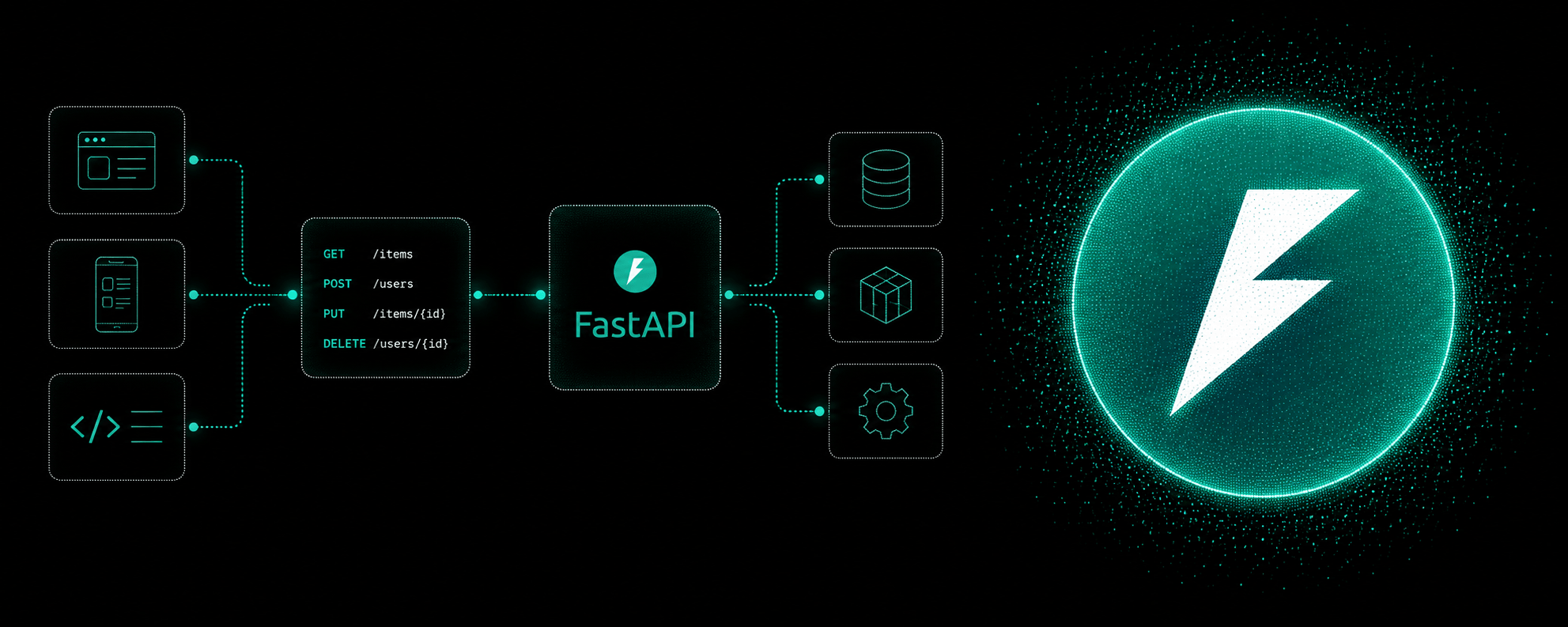
A browser or phone app shouldn't call the model provider directly, because that would expose your API key to anyone who opens the page. Instead, your own server makes the call and exposes a simple endpoint, like POST /label-review.
That server is a normal web API. In Python, FastAPI is a common way to build one: Pydantic describes the request and response, a header carries your app's key, and an exception handler turns a failed model call into a clear error. The third post in this series, Build your first AI endpoint with FastAPI, shows how. Describing Data With Pydantic (opens in a new tab) and Requiring An API Key (opens in a new tab) are where to practice.
The skills at a glance
| Step in an AI feature | Python skill | Where to practice |
|---|---|---|
| Send the text to the model | HTTP requests | Sending Data With Post (opens in a new tab) |
| Pull out the answer | Nested JSON | Reading Nested JSON (opens in a new tab) |
| Survive slow or failed calls | Exceptions | When A Request Fails (opens in a new tab) |
| Check the answer is valid | Validation and dataclasses | Dataclasses (opens in a new tab) |
| Don't ask twice | Saving JSON | Saving Data As JSON (opens in a new tab) |
| Let your app use it safely | A web API | Requiring An API Key (opens in a new tab) |
What about the AI part itself?
You will want to learn how to write a good prompt, and how models behave. But that layer changes fast, and every provider documents its own. The Python underneath doesn't change. Requests, JSON, errors and validation worked the same way before language models existed, and they will still work the same way when today's models are replaced.
That makes the fundamentals the safer place to start. Once they are solid, swapping one model or provider for another is a small change to the request, not a rewrite of the feature.
Common mistakes
- Trusting the model's reply as if it were a function's return value. Always check the shape and the values before you use them.
- No error handling around the request. One timeout, and the whole feature crashes.
- Putting the API key in front-end code. Anyone can read it. Keep calls on your server.
- Calling the model for the same input again and again. Save results you can reuse.
- Skipping the fundamentals to get to the AI part. The fundamentals are most of the feature.
Quick recap
- An AI feature is mostly ordinary Python around one request.
- The skills that matter: HTTP requests, nested JSON, exceptions, validation, saving data, and serving an API.
- Treat model replies as untrusted input and check them.
- Keep API keys on the server, behind your own endpoint.
- These fundamentals outlast any particular model or provider.
Frequently asked questions
Do I need to learn Python for AI?
If you want to build features that use AI, Python is a common choice, and the parts you need most are the general ones: requests, JSON, error handling and building APIs. Those carry over no matter which model you use.
What Python should I learn before working with AI APIs?
The basics first: variables, lists, dictionaries, loops and functions. Then working with APIs: sending requests, reading nested JSON, and handling failures. After that, building your own API with something like FastAPI.
Do your courses teach AI or LLMs?
No. Intermediate Python and Building APIs with FastAPI teach the Python fundamentals that AI features are built on. They are the foundation, not a course about models or prompts.
Do I need to understand how the model works inside?
Not to build a feature with one. You need to know what to send, what comes back, and what to do when it goes wrong. How models are trained is a separate subject.
Practice
The lessons linked above run in your browser. Start with How An API Call Works (opens in a new tab), then Reading Nested JSON (opens in a new tab), and put it together in Trivia Night (opens in a new tab). There is nothing to install.
Keep going
Intermediate Python (opens in a new tab) covers the request, JSON, error and data skills from this post. Building APIs with FastAPI (opens in a new tab) is the next step, when you want to serve those features to an app.