Build your first AI endpoint with FastAPI
Wrap an LLM call in your own FastAPI endpoint: validate input with Pydantic, require an API key header, shape the response, and turn model failures into clear errors.


Your Python can call a language model. How do you let a web page or a phone app use that, without handing your API key to every visitor?
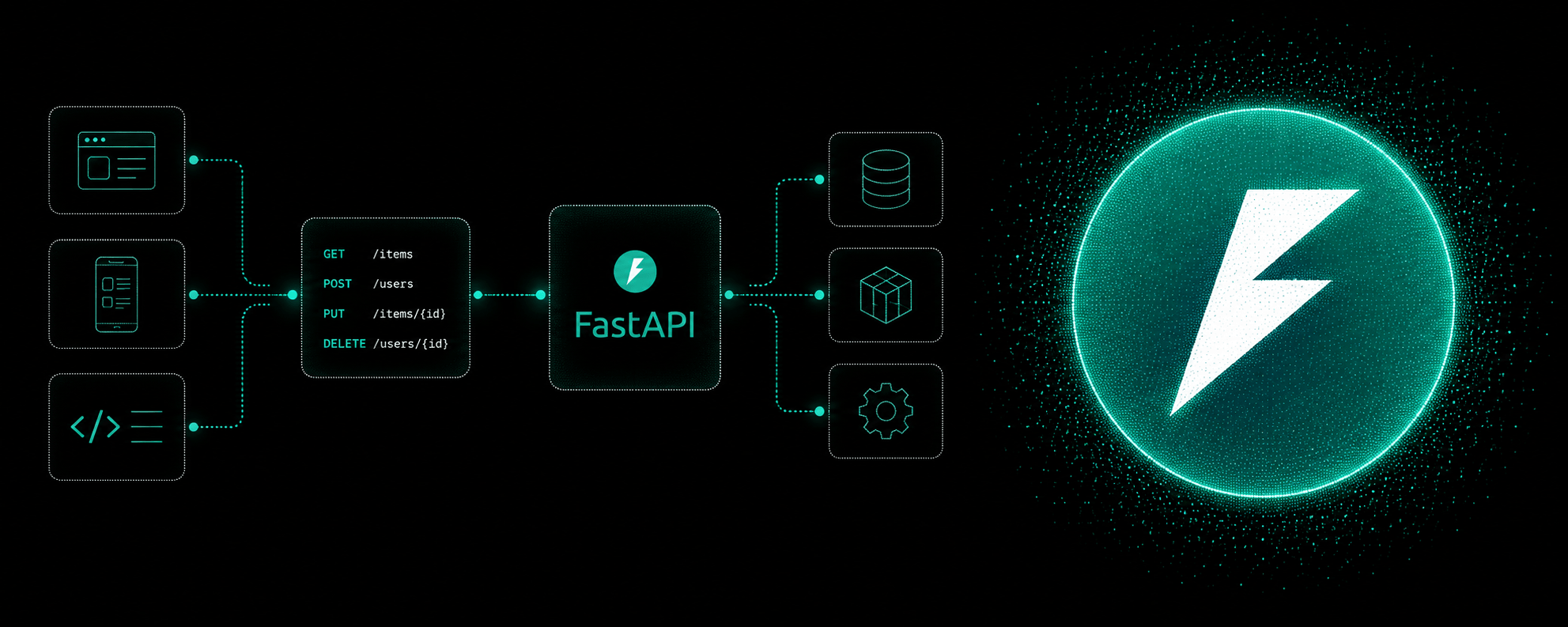
Short answer: put the model call behind your own API endpoint. The app sends a request to your server, your server checks it, calls the model with your secret key, checks the answer, and sends back a clean response. FastAPI handles most of that for you, with Pydantic models for the data, a header for your app's key, and an exception handler for failed model calls.
This is part 3 of a series. Calling an LLM from Python built the function that talks to the model. This post wraps it in an endpoint.
A note on the code: the examples are here to read and understand. The model call uses a placeholder, because every provider differs, and the FastAPI parts are the same patterns you can practice in the course. There are no setup steps here on purpose.
What we are building
One endpoint: POST /summarize. It takes some text and returns a one-sentence summary.
POST /summarize
X-API-Key: <your app's key>

{"text": "FastAPI is a Python framework for building APIs..."}
200 OK

{"summary": "FastAPI is a Python framework for building web APIs quickly."}
The browser only ever talks to your server. The provider's key stays on your server, where nobody else can read it.
Step 1: describe the data with Pydantic
Start with what goes in and what comes out. Pydantic models describe both:
from pydantic import BaseModel, Field

class SummaryRequest(BaseModel):
    text: str = Field(min_length=1, max_length=5000)

class SummaryResponse(BaseModel):
    summary: str
SummaryRequest says a request must have a text field, between 1 and 5,000 characters. That limit matters more than usual here. Model calls usually cost more the longer the input, so you don't want someone sending a whole book.
If a request breaks those rules, FastAPI rejects it with a 422 error and a message saying which field was wrong, before your code even runs. See Describing Data With Pydantic (opens in a new tab) and Validating Fields With Field (opens in a new tab).
Step 2: the route
from fastapi import FastAPI

app = FastAPI()

@app.post("/summarize", response_model=SummaryResponse)
def summarize(body: SummaryRequest):
    summary = ask_model(f"Summarize this in one sentence:\n\n{body.text}")
    return SummaryResponse(summary=summary)
A few things are happening:
@app.post("/summarize")connectsPOST /summarizeto this function.body: SummaryRequesttells FastAPI to read the JSON body and validate it against the model from step 1.response_model=SummaryResponsemakes sure the response has exactly that shape and nothing else.ask_modelis the function from part 2, which sends the prompt to the provider and returns the text.
See Creating With Post (opens in a new tab) and Shaping Responses With Response Model (opens in a new tab).
Step 3: require your own API key
Right now anyone who finds your URL can run up your model bill. Require a key on the request:
import os
from fastapi import Header, HTTPException

@app.post("/summarize", response_model=SummaryResponse)
def summarize(body: SummaryRequest, x_api_key: str = Header()):
    if x_api_key != os.environ["APP_API_KEY"]:
        raise HTTPException(status_code=401, detail="Invalid API key")

    summary = ask_model(f"Summarize this in one sentence:\n\n{body.text}")
    return SummaryResponse(summary=summary)
x_api_key: str = Header() tells FastAPI to read the X-API-Key header. FastAPI turns the underscores in the parameter name into hyphens for you. A missing header is rejected automatically, and a wrong one gets a 401.
This is a different key from the provider's. The provider key lets your server call the model. This app key controls who can call your server. Both come from environment variables, and neither appears in the code. See Requiring An API Key (opens in a new tab).
Step 4: turn model failures into clear errors
The model call can time out, hit a rate limit, or return something unusable. Without handling, FastAPI answers with a generic 500 Internal Server Error, which tells the app nothing useful.
First, give those failures their own exception type. In ask_model, catch the request errors from part 2 and raise this instead:
class ModelUnavailable(Exception):
    pass
Then register a handler that turns it into a proper response:
from fastapi import Request
from fastapi.responses import JSONResponse

@app.exception_handler(ModelUnavailable)
async def handle_model_unavailable(request: Request, exc: ModelUnavailable):
    return JSONResponse(
        status_code=503,
        content={"detail": "The summary service is busy. Please try again shortly."},
    )
Now any route that calls the model gets the same clean error, without its own try/except. The app sees a 503 with a message it can show the user, instead of a crash. See Handling Crashes With An Exception Handler (opens in a new tab).
Step 5: check the answer before returning it
A successful call isn't always a good answer. The model might return an empty string, or three paragraphs when you asked for one sentence. Check before you send it on:
summary = summary.strip()
if not summary or len(summary) > 300:
    raise ModelUnavailable("The model returned an unusable summary")
Raising ModelUnavailable here means a bad answer gets the same clean 503 as a failed call. What counts as unusable depends on your feature. The point is to decide, rather than pass along whatever came back.
The full request, start to finish
Here is what happens when the app calls POST /summarize:
- FastAPI reads the
X-API-Keyheader. Missing means rejected, wrong means401. - FastAPI validates the body against
SummaryRequest. Too long or empty means422. - Your function calls the model with the provider key from the server's environment.
- If the call fails, or the answer is unusable, the exception handler returns a
503. - Otherwise,
response_modelmakes sure the reply is exactly{"summary": "..."}.
Only step 3 involves AI. Every other step is standard FastAPI.
Common mistakes
- Calling the provider from front-end code. It exposes your provider key. Always go through your server.
- No input limit. Without
max_length, one huge request can cost far more than you expected. - No key on your own endpoint. If anyone can call it, anyone can spend your money.
- Letting model errors become generic 500s. Use an exception handler so the app gets a clear status and message.
- Returning the model's raw reply. Check it, and use
response_modelso the shape is always the same. - Mixing up the two keys. The provider key lets your server call the model. The app key lets clients call your server. Keep them separate.
Quick recap
- Put model calls behind your own endpoint, so the provider key stays on the server.
- Pydantic validates input, with limits, before your code runs.
Header()reads your app's API key andHTTPExceptionrejects bad ones.- An exception handler turns failed or unusable model calls into a clean
503. response_modelkeeps every response the same shape.
Frequently asked questions
Can I use FastAPI with an LLM?
Yes. To FastAPI, a model call is just a function that sends a request and returns text. You wrap it in a route like any other, and FastAPI handles validation, headers and errors around it.
Why not call the AI provider directly from the browser?
Because the browser would need your provider API key, and anyone can read what a web page sends. A server endpoint keeps the key secret and lets you add limits and checks.
What status code should I return when the model fails?
A 503 Service Unavailable fits a busy or failed upstream service, and tells the client it can try again later. Use 401 for a bad API key and let FastAPI's 422 handle invalid input.
Do your courses teach how to build AI apps?
No. Building APIs with FastAPI teaches the API parts of this post: Pydantic models, validation, API key headers and exception handlers. Those are the foundation an AI endpoint sits on.
Practice
The FastAPI patterns in this post are in the course, and they run in your browser. Describe data in Describing Data With Pydantic (opens in a new tab), protect a route in Requiring An API Key (opens in a new tab), handle failures in Handling Crashes With An Exception Handler (opens in a new tab), then put it all together in Project Bike Share API (opens in a new tab). There is nothing to install.
Keep going
Building APIs with FastAPI (opens in a new tab) covers routes, Pydantic, middleware, dependencies and API keys. If the request and JSON skills from part 2 still feel new, Intermediate Python (opens in a new tab) is the place to start.